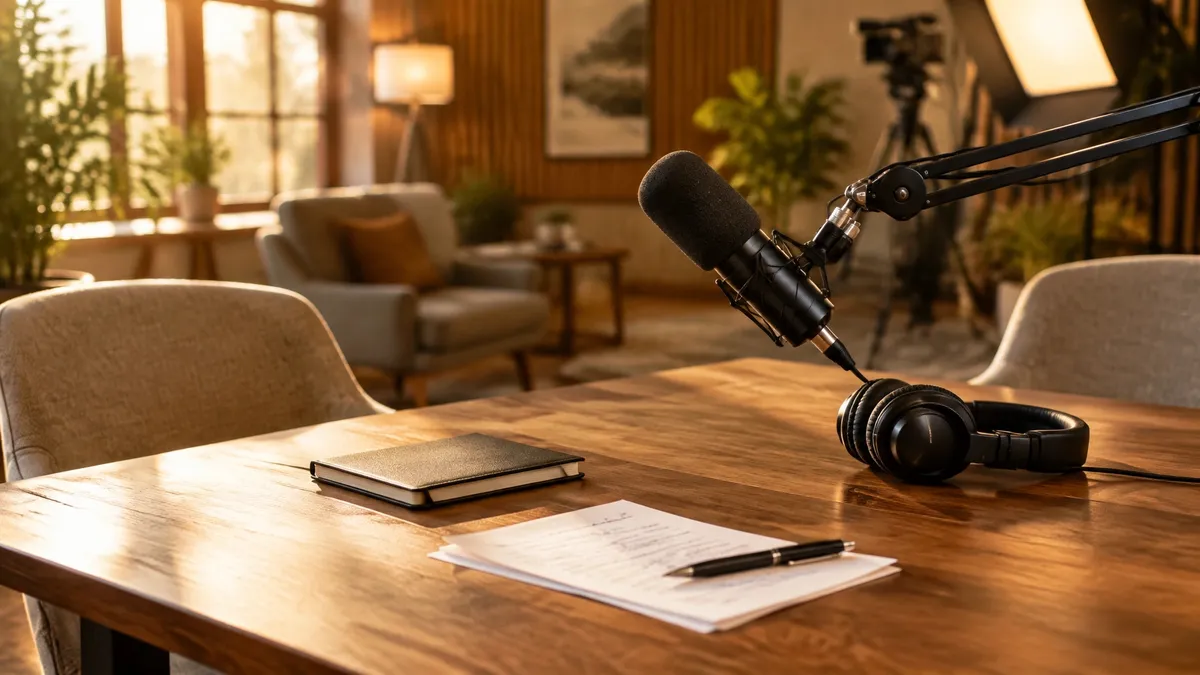
How to Choose a Podcast Studio in Columbus, Ohio: What Creators Should Compare Before Booking
A strong podcast studio makes recording feel simple. The right room, reliable equipment, and clear support let you focus on the conversation instead of troubleshooting.
When comparing a podcast studio in Columbus, Ohio, look beyond the room rate. Check what the session includes, how the recording will look and sound, how much time you have, and what files you will receive afterward. A little clarity before booking can save time on recording day.
The Current is a professional podcast studio in Lewis Center, Ohio, serving creators across Greater Columbus. Use this guide to compare your options and find the right fit for your format.
Start with the recording you want to make
Write down what you need before contacting studios. A solo audio episode has different requirements from a video interview or panel.
Make a short checklist:
Format: audio, video, or both
People on set: host, guests, and any remote contributors
Recording goal: one episode, several episodes, or a mix of long-form and short-form content
Support: room access only, technical help, or hands-on production assistance
Deliverables: raw recordings, edited episodes, short clips, or another agreed format
Then ask each studio the same questions. Clear answers make it easier to compare similar services instead of judging by price or room photos alone.
Compare audio equipment and video capability
Ask what recording equipment is included and who manages it. A polished-looking room is only part of the setup. You want to understand how the studio handles audio, cameras, lighting, and live monitoring.
For audio, confirm whether the studio provides professional microphones and broadcast audio systems. Ask how recording levels are monitored and whether technical support is available during the session. Avoid assuming that one studio’s “professional audio” includes the same tools or support as another’s.
For video, ask about:
Camera resolution and the number of camera angles
Studio lighting and who adjusts it
Whether the production is monitored during recording
Whether multi-camera recording fits your format
The Current’s studios include professional studio lighting, broadcast audio systems, live production monitoring, multi-camera setup, and high-definition video capture, with on-site support during every session. The podcast studio in Lewis Center offers audio and video recording in two distinct studio environments.

Consider the room, not just the gear
Room acoustics affect how comfortable and clear a recording feels. But don’t treat a studio’s appearance as proof that it is soundproof. Ask what you can expect from the room, whether you can review a sample recording, and whether the setup suits your number of speakers.
Sound quality, soundproofing, and privacy are not guaranteed in every shared or studio environment. Confirm what the studio can provide for your session, and follow its workspace rules. If you are recording sensitive material, ask directly about the recording environment and privacy expectations.
The setting also shapes your on-camera impression. At The Current, Studio Arrakis has a warm, grounded feel for natural conversation, interviews, coaching, educational content, and solo recording. Studio Dune is bold and modern, suited to video podcasts, business content, panels, promotional work, and authority-focused content. Choose the atmosphere that supports your message and audience.
Match session length to your plan
A short booking may work for one focused recording. A longer block can help if you are batching episodes or capturing multiple kinds of content. Compare the time you can actually record, not just the session label.
At The Current, studio-session-only options include:
90-minute session: 60 minutes of recording, with the remaining session time allocated to setup and wrap-up
3-hour extended session
5-hour half-day
8-hour full-day
For the longer sessions, setup time is included within the booked session. Arrive 10 minutes early so you can get settled before your session begins. When comparing another studio, ask whether setup and wrap-up are included in the listed time or take place outside it.
Estimate how long each part of your plan will take: getting guests settled, testing levels, recording, and repeating a section if needed. That estimate will help you avoid booking too little time or paying for more than you need.
Compare the full cost and package options
Compare the total cost for your intended outcome. A studio-session-only booking and a content package may cover different services, so check what is included before weighing the prices.
The Current’s published studio-session prices are $149 for 90 minutes, $349 for three hours, $575 for five hours, and $895 for eight hours. The Current's content creation packages range from Starter Clip Pack at $275 to CEO Full Day at $1,995. Package contents vary, so review the current inclusions that match your project.
Optional services listed by The Current include Full Episode Edit for one complete podcast episode at $195 per hour, and Social Clip Packs for short-form content: 3–5 clips for $149 or 6–10 clips for $249. Confirm which add-ons fit your recording and what final deliverables they cover.

When you compare quotes, separate the room booking from production and editing. Ask whether support is included, whether add-ons cost extra, and what you will receive for the quoted price. The right choice is the one that matches your budget and leaves you with usable content.
Ask how support works on recording day
Good support can keep a session moving, especially if you are new to studio recording or hosting several guests. Ask who handles setup, audio levels, camera management, and technical questions. Also clarify whether on-site support is included in your chosen booking or whether you need to arrange a producer separately.
At The Current, basic on-site support for setup and technical guidance is included with every session, and an On-Site Producer is available as an optional add-on at $75 per hour for hands-on help with setup, audio levels, camera management, and production support throughout the recording. For a studio comparison, define what “support” means in practice. A brief setup walkthrough is different from hands-on help throughout the recording.
The goal is straightforward: let the studio handle the setup so you can focus on the message. Before booking, share your format, guest count, and recording goals so the team can help you prepare for the right session.
Confirm file delivery before you book
Recordings are provided after the session, but delivery details matter. Ask what files you will receive, how they will be delivered, and whether editing or clips are included in the quoted price.
Confirm these points in advance:
Whether you receive audio, video, or both
Which edits or clips, if any, are included
Whether additional file preparation is available
How to request an edit or rush turnaround
Do not assume that raw recordings and edited, ready-to-publish content are the same deliverable. The Current offers studio-session-only bookings as well as content creation packages. Check The Current's content creation packages to compare package options and confirm the current deliverables.

Frequently asked questions
What should I compare when choosing a podcast studio in Columbus, Ohio?
Compare the audio and video setup, room environment, session length, support, total cost, and file delivery. Confirm what is included in writing before booking.
Can I book a studio without a content creation package?
Yes. The Current offers studio-session-only bookings, with several session lengths available.
How much time should I book?
Choose a session based on your recording plan, guest count, and setup needs. A 90-minute session includes 60 minutes of recording, with the remaining session time allocated to setup and wrap-up.
When will I receive my recordings?
Recordings are provided after the session. Ask the studio to confirm delivery details and any editing or file-preparation options before you book.
01. Write down your format, guest count, and must-have deliverables.
02. Compare total session time, support, equipment, and cost across your options.
03. Choose the studio and booking that fit your recording plan, then confirm file delivery before your session.
