How to Prepare for a Professional Podcast Recording Session
A strong recording session starts before anyone says, “You’re live.”
Prepare the message. Confirm the guest details. Organize the materials. Build enough time into the day.
You do not need to memorize a perfect performance. You need a clear purpose, a flexible plan, and a calm recording-day routine. These steps work whether you are recording at home, remotely, or in a podcast studio in Lewis Center.
Start With the Episode Goal
Begin with one sentence:
What should the audience understand, consider, or do after this episode?
Before recording, define:
The audience: Who is listening or watching?
The main takeaway: What is the one idea they should remember?
The practical value: What problem, question, or decision does the episode address?
The next step: Should the audience subscribe, visit a resource, contact you, try a process, or continue learning?

Build a Flexible Outline
A useful outline gives you direction without making the conversation sound read aloud.
Start with this structure:
Opening: Introduce the topic and explain why it matters now.
Core points: Choose three to five ideas that move the episode forward.
Examples: Prepare stories, observations, comparisons, or brief case examples.
Close: Summarize the main takeaway and give the audience a practical next step.
Write prompts, not paragraphs. A prompt such as “What changed after your first client project?” creates room for a real answer. A fully scripted question followed by a fully scripted response can make the exchange feel rigid.
Mark the two or three items that must make it into the recording. Everything else is flexible.
Read the opening and closing aloud before the session so names, descriptions, and calls to action sound natural and accurate.
Prepare for Guests and Co-Hosts
Send guests a concise preparation note before recording. Include the date, time, location or recording link, expected format, approximate length, and the main topic.
Confirm the details that are easy to get wrong:
Correct name spelling and pronunciation.
Current title, company, or role.
Preferred short biography.
Website, social links, or other resources to mention.
Topics that should be handled carefully or avoided.
The guest’s preferred next step for the audience.
Plan for Video and Audio
Choose clothing and materials that help you stay comfortable and visually consistent. For video, avoid anything that distracts from the conversation, shifts noisily, or creates a pattern that looks busy on camera. Bring a backup option only if it is practical.
Remove noisy accessories before recording. Bracelets, keys, loose jewelry, and items that tap against the desk can create interruptions in the audio.
Silence notifications on your phone, laptop, and smartwatch. Close unrelated tabs and applications. Put necessary links, notes, and contact details in one easy-to-reach place.
Keep water nearby in a container that will not create distracting noise. Bring only the materials you may actually use:
Your outline.
Guest notes and pronunciation reminders.
Relevant statistics or source details.
A short closing statement.
Any physical item needed for the discussion.
At The Current, Studio Arrakis suits relaxed conversations, interviews, coaching, educational content, and solo episodes; Studio Dune suits structured recordings, video podcasts, business content, panels, and authority-driven content.

Arrive Ready to Record
Plan the recording day backward from the start time.
Confirm the address, route, guest arrival, session length, and materials the day before. Avoid scheduling a demanding meeting immediately before recording if you are hosting. You want enough margin to reset, review the goal, and handle an unexpected delay.
The Current’s listed studio sessions range from 90 minutes to three-hour, five-hour, and eight-hour blocks. Select the session based on the actual scope:
One focused episode may fit a shorter session.
Multiple guests or a more involved format may need additional time.
Batching several recordings requires a longer block and a clear episode-by-episode plan.
The 90-minute option lists 60 minutes of recording plus 30 minutes for setup and wrap-up. The studio also asks clients to arrive 10 minutes early. Longer sessions include setup within the booked session time, so plan your outline and arrival accordingly.
Review the current studio session options before booking.
Before you book, map the session in blocks: allow time for setup, the main conversation, resets between guests, and any retakes. If you are recording multiple episodes, list each episode in order and note the required guests or materials. This prevents one delayed segment from consuming the time reserved for everything else.
What to Do During the Session
Pause when you need to. Restart a sentence if the wording comes out wrong. Ask the host or guest to repeat a question. If a fact needs correction, stop, state the corrected version clearly, and leave a brief moment of silence before continuing so the edit is easier to find later.
Use the outline as a guide. Listen to the answer instead of racing toward the next prepared question. If an interesting point appears, follow it briefly, then return to the episode goal.
The Current provides on-site support during studio sessions, along with a quick studio walkthrough and audio and camera setup before recording. If you need additional production or editing support, optional services are available during booking.
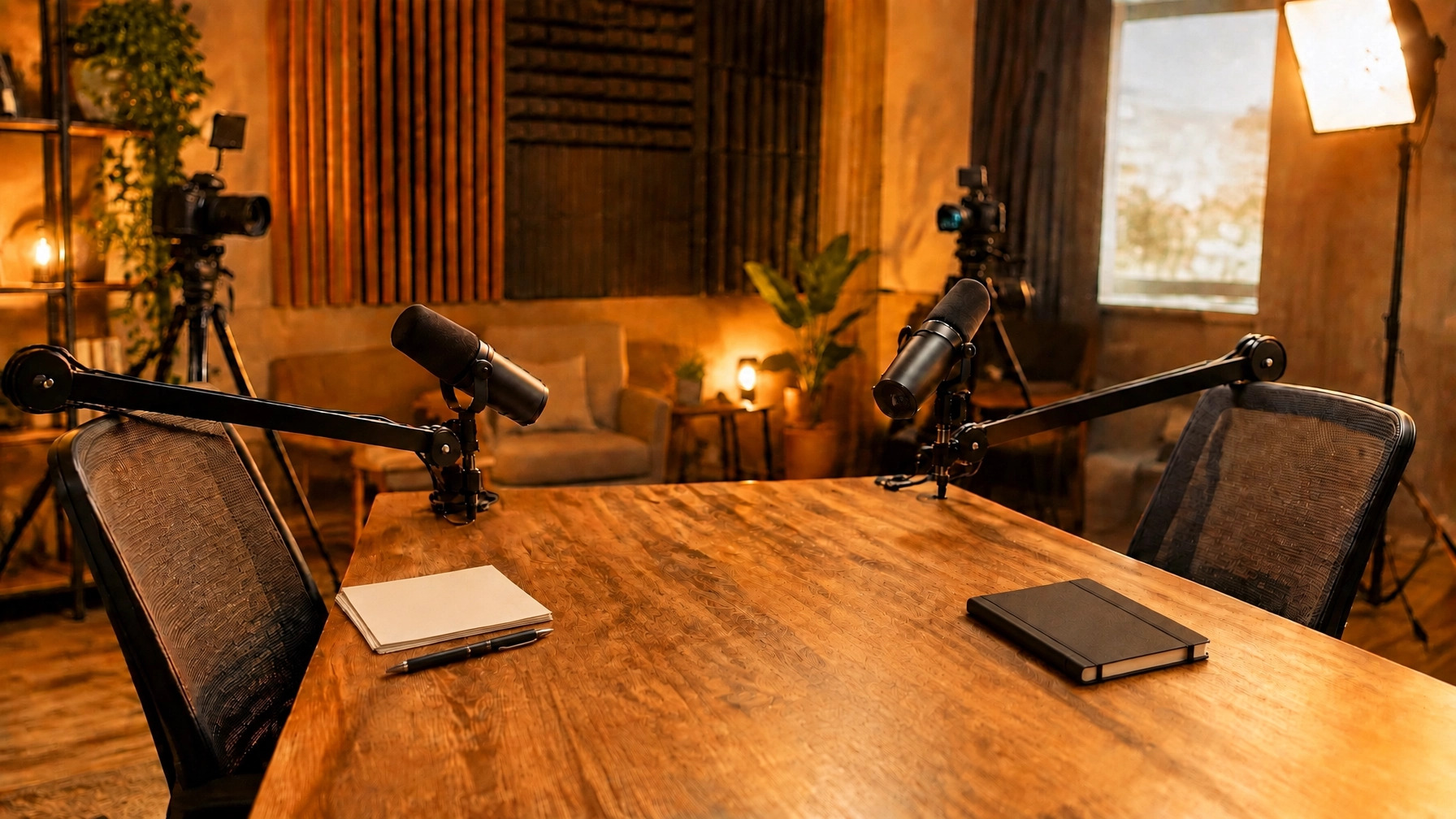
The studio setup includes professional microphones and audio equipment, multi-camera video recording, studio lighting, and live production monitoring. Raw files are available immediately after recording. These tools reduce setup friction, but preparation still determines how focused and useful the conversation becomes.

Use a Simple Recording-Day Checklist
Use this short list before the session begins:
Confirm the episode goal, audience, guest names, titles, pronunciation, and links.
Review the opening, core prompts, closing, and any materials you plan to use.
Silence notifications and remove noisy accessories.
Place water and essential notes within reach.
Check clothing and camera-ready appearance if recording video.
Arrive early enough for check-in, setup, and last questions.
If you are hosting a guest, send the relevant checklist items in advance rather than waiting until arrival. A guest who knows the topic, timing, format, and materials can spend the session contributing instead of solving preventable logistics. Keep one final version of the outline so everyone is working from the same information.
FAQ
How much of a podcast episode should I script?
Script the opening, closing, names, and essential facts, then use prompts for the main conversation.
What should I bring to a recording session?
Bring your outline, guest details, key references, closing call to action, and any necessary physical materials.
How early should I arrive?
Arrive 10 minutes early for a Current studio session, with extra time if you want to review notes first.
Can mistakes be corrected during recording?
Yes, because a clear pause and restart can usually be handled in editing.
A professional session feels easier when the key decisions happen before recording. Define the message. Prepare the people. Keep the materials simple.
If you need a prepared environment with professional audio, video, lighting, monitoring, and basic on-site guidance, review the podcast studio options at The Current in Lewis Center.
01 : Clarify: Write the audience, episode goal, three to five core points, and desired next step.
02 : Confirm: Send guest details, verify names and links, choose the session length, and prepare only the materials you will use.
03 : Record: Arrive early, complete the setup check, follow the outline, pause when needed, and trust the production process.
